ECR — Engine Control Room
A walk-in 3D engine control room: the main switchboard with its eleven sections, the power management system, the emergency generator panel, the main engine control console with the telegraph, the alarm system and the ballast plant. You move with the keyboard and mouse, read the instruments and work the sequence as the watch engineer would — from paralleling a generator to bringing the plant back after a blackout. Opens in the CHIEF. web app with your free account.
Opens in the CHIEF. web app. Sign in or create a free account on the way; the trainer starts right after.
This trainer needs a computer screen. Create your free account now and open the trainer on your laptop.
Create a free account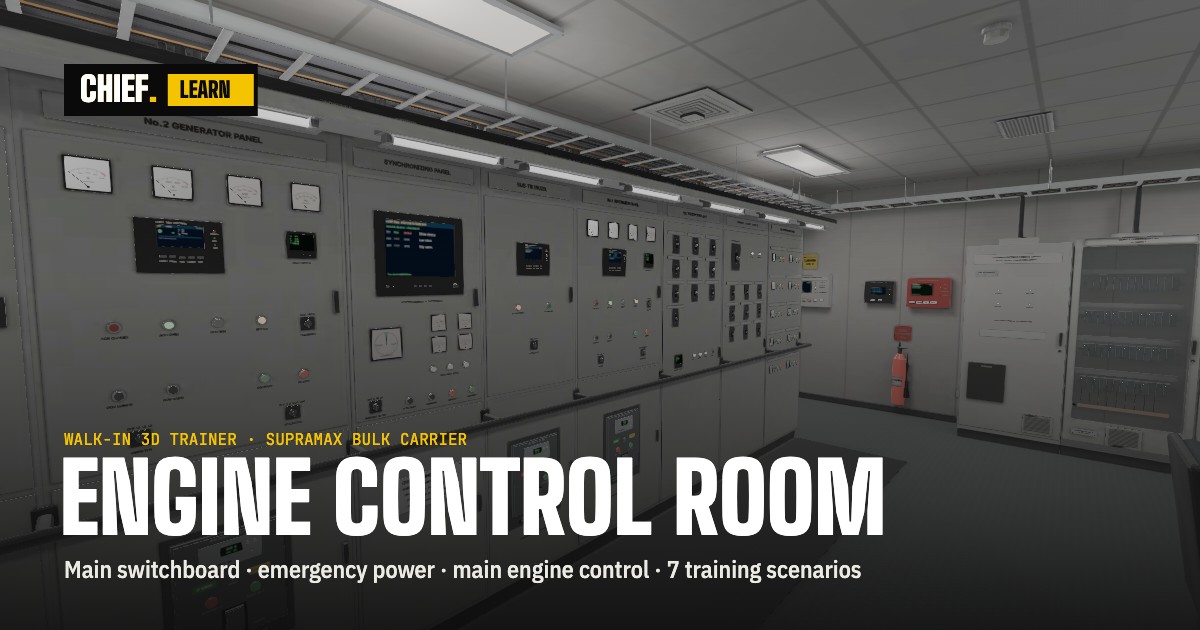
What you do
- Seven scenarios: parallel DG2 with DG1 (synchronising), blackout recovery, main engine start from the ECR, engine room fire — first actions from the ECR, blackout with the EDG left in MAN by the previous watch, oil mist detector weekly test, ballasting through the BWTS.
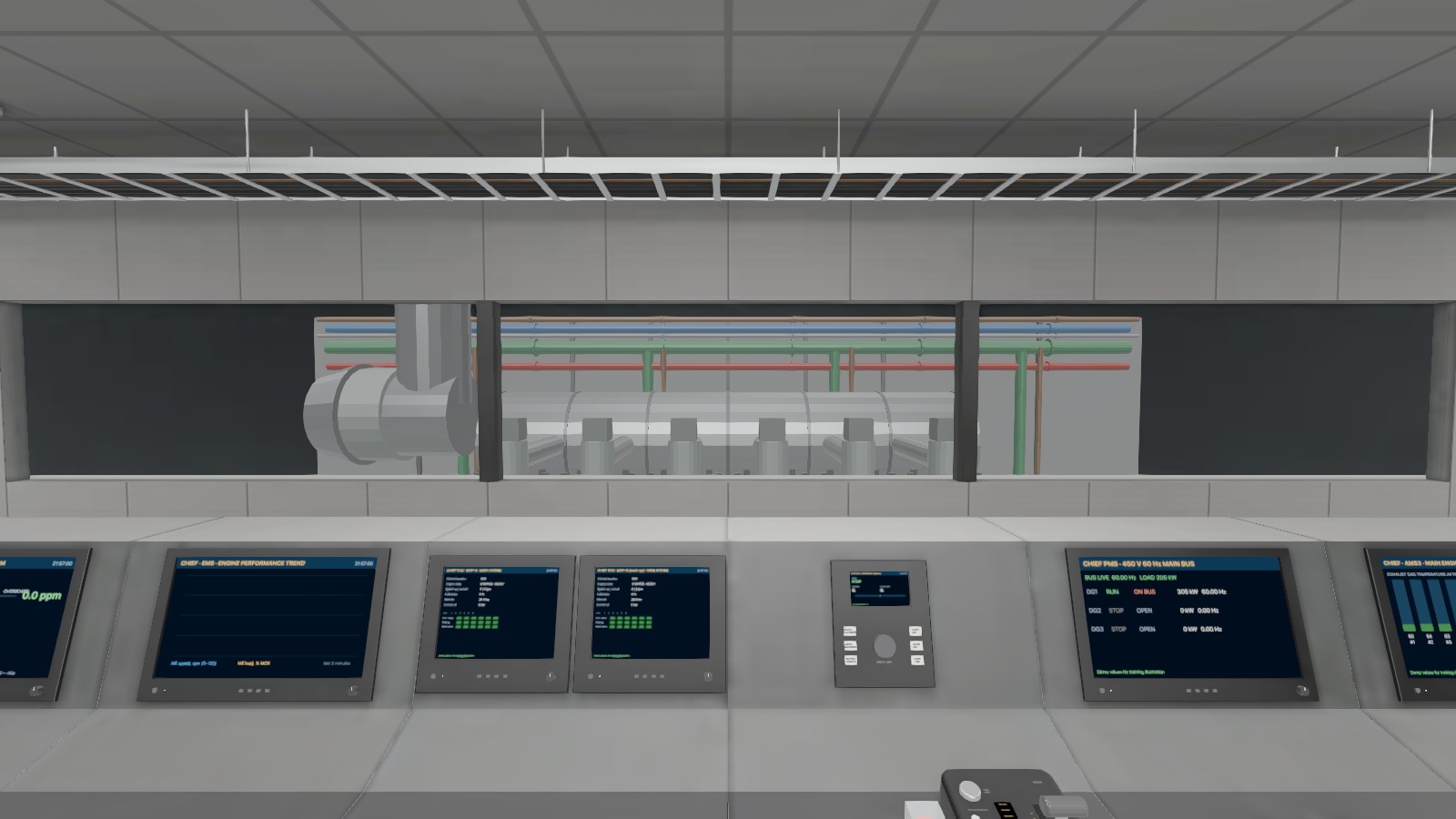
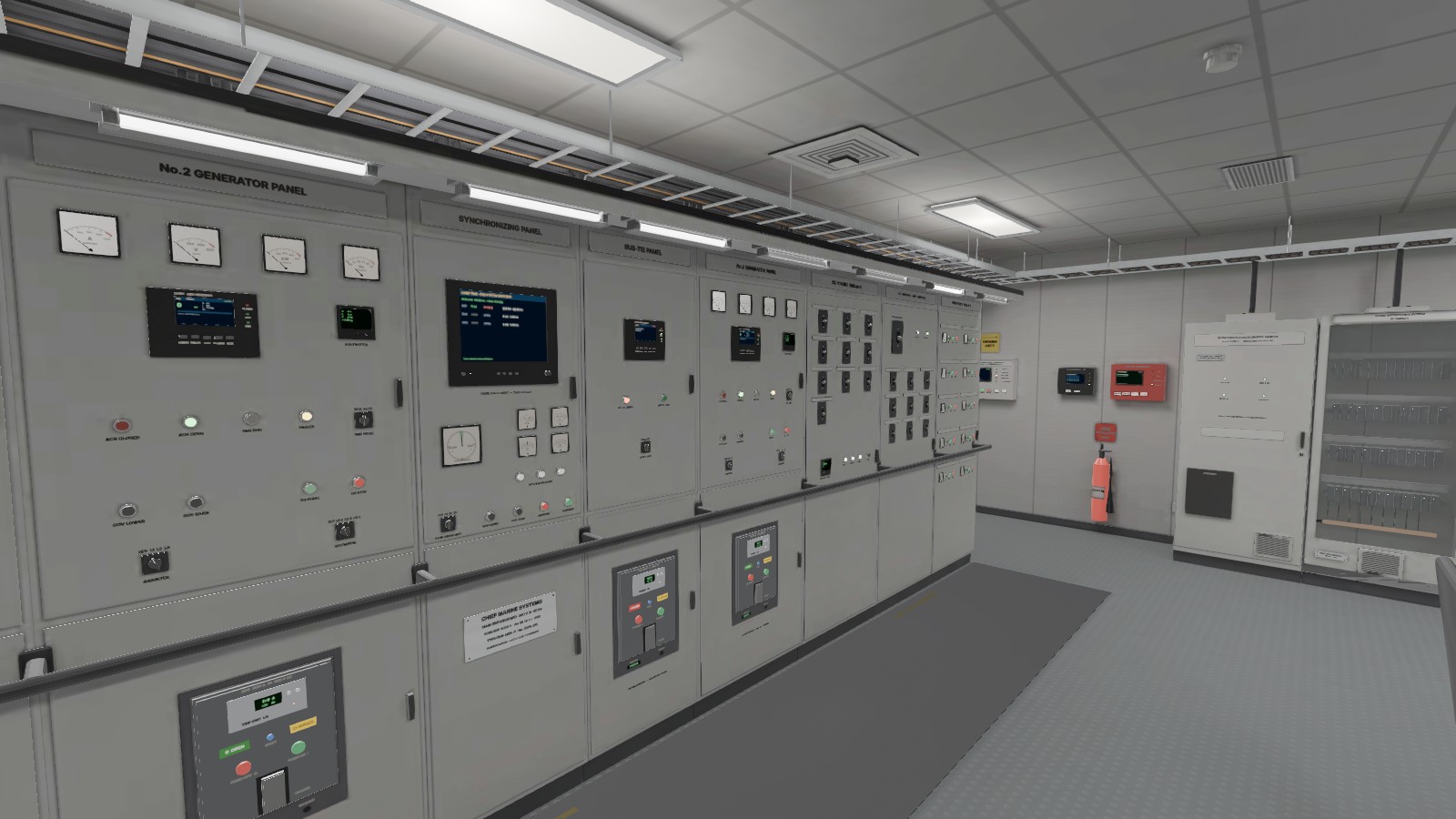
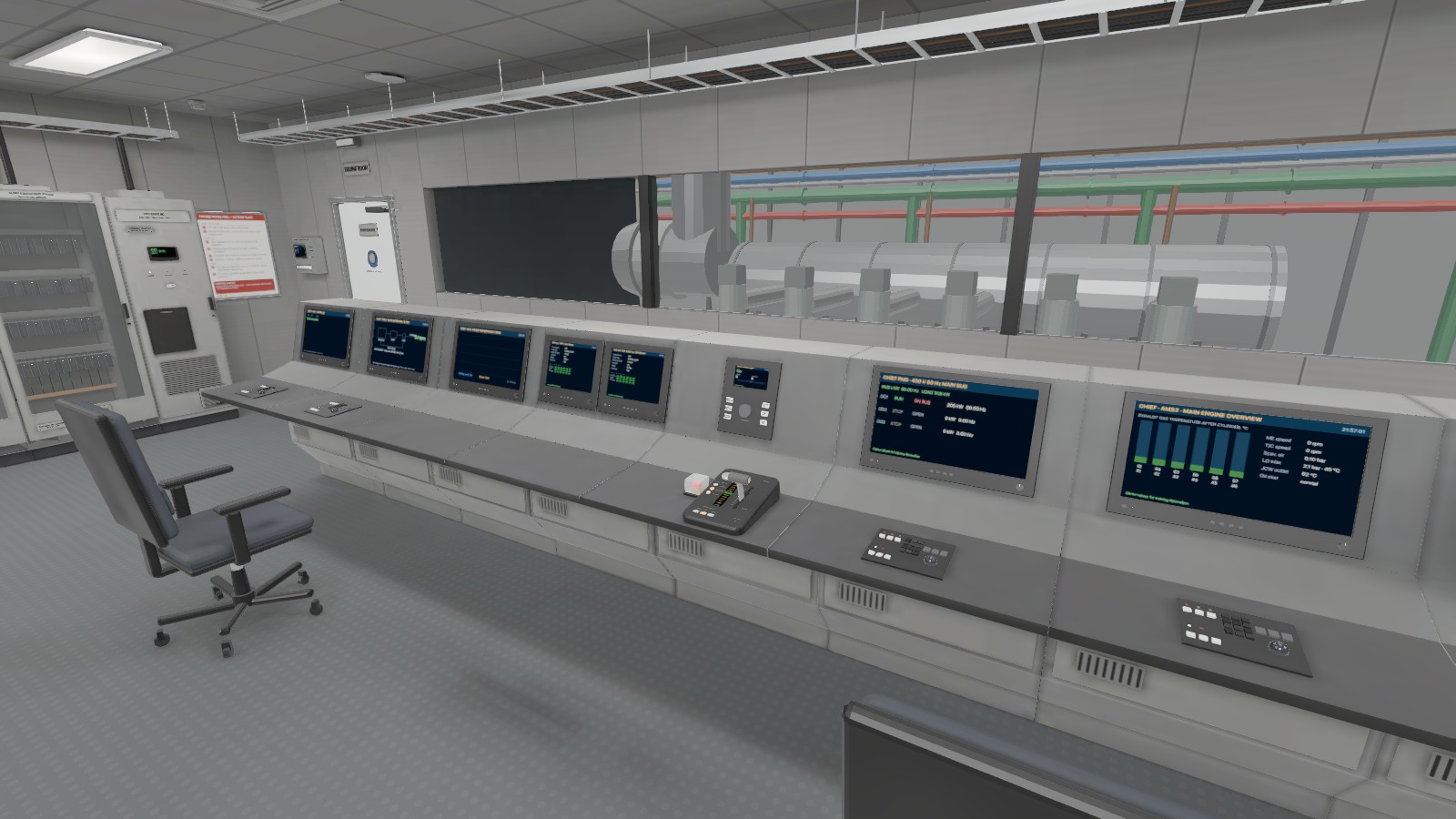
- The room as on board: an eleven-section main switchboard (generator, feeder, synchronising and bus-tie panels), the emergency switchboard and EDG panel, MOP and EMS screens, AMS stations, the engine telegraph.
- Instruments driven by a live model: generator load, frequency and voltage, bus-tie state, alarms; the lighting follows the power state — normal, emergency, blackout.
- Each scenario grades the sequence, the time, the hints you took and the errors you made, with a log you can read back; your best score stays in your browser.
- Desktop, mouse and keyboard: walk, look, operate; focus on a device to read it up close.
Before you start
A free CHIEF. account: the trainer opens in the web app, app.chief.direct; sign in or create the account on the way and it starts right after. A desktop or laptop from 1024 px wide with a current browser and WebGL 2. Your scenario results and best scores stay in your browser, on your device only.
For training only. The room, the switchboard and the sequences are simplified; class rules, the makers’ manuals and your company’s procedures are the authority.